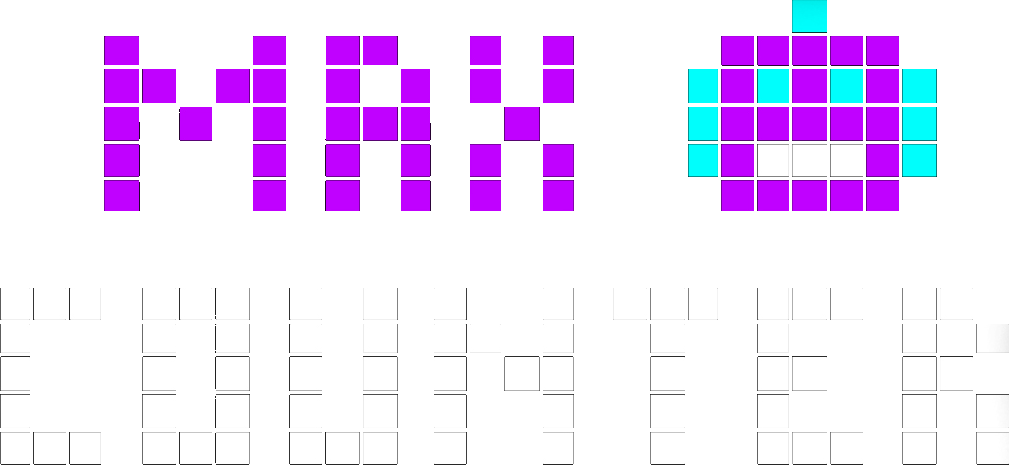
What you live for, live on your wall.
Game scores, crypto prices, Insta & TikTok followers — Max Counter shows what matters to you in real time.
Widgets for what you love
We're starting strong. And the list keeps growing.
Football
Live scores & last 24 h
Basketball
Live scores & last 24 h
NFL
Live scores & last 24 h
Baseball
Live scores & last 24 h
Your followers live
TikTok
Views & followers in real time
Crypto
Live prices & trends
News
-
9 June 2026
Welcome to the Max Counter website
The official Max Counter website is live.
Frequently asked questions
+ What is Max Counter?
Max Counter is a connected LED matrix display. It links to data sources (HTTP and MQTT) and shows the information that matters to you in real time, through configurable “widgets” you manage from the mobile app.
+ Which widgets does Max Counter offer?
At launch, Max Counter shows in real time:
- Sports — ⚽ football, 🏀 basketball, 🏈 American football, ⚾ baseball: live scores plus scores from the last 24 hours (no standings for now), across all sports.
- Social — 📸 Instagram (your followers) and 🎵 TikTok (views & followers), in real time.
- Crypto — ₿ BTC, ETH and more: live prices and trends over several time periods.
New widgets are added regularly — and you can also build your own from your own data sources.
+ Can I connect my own data?
Yes. Max Counter connects to HTTP and MQTT sources, so you can display almost any data available via an API or published to an MQTT broker: business metrics, smart-home sensors, personal stats, and more.
+ Can I create my own widgets?
Yes. On top of the catalog, you can create custom widgets and configure them from the mobile app to display exactly what you want, using your own HTTP or MQTT sources.
+ How do I control the display?
Everything is controlled from the Max Counter mobile app (iOS and Android): install and configure widgets, adjust brightness and volume, and manage the cycle that rotates several widgets on the display.
+ How do I set up my device?
Download the Max Counter mobile app, create an account, then follow the commissioning wizard: it detects the device over Bluetooth, asks you to scan a QR code, and sends your Wi-Fi credentials to the device so it can join your network.
+ What do I need to use Max Counter?
A Wi-Fi network and a smartphone (iOS or Android) with the Max Counter app. Setup takes a few minutes over Bluetooth, then the device connects to your Wi-Fi.
+ What does the display look like?
Max Counter is a 36×18 pixel LED matrix display — bright and readable from across the room, with a retro pixel-art look. You can adjust brightness to suit the room and time of day.
+ Will there be new widgets?
Yes, the catalog grows regularly. Sign up under “Stay connected” to hear about new widgets and updates first.
+ Is my data protected?
Yes. Sensitive features (location, notification forwarding, crash diagnostics) are off by default and enabled only with your consent. See our privacy policy for the full details.